

Learn Aadhar card download steps using Aadhar number, enrolment ID, and without mobile number. Complete guide on Aadhar status and update process.
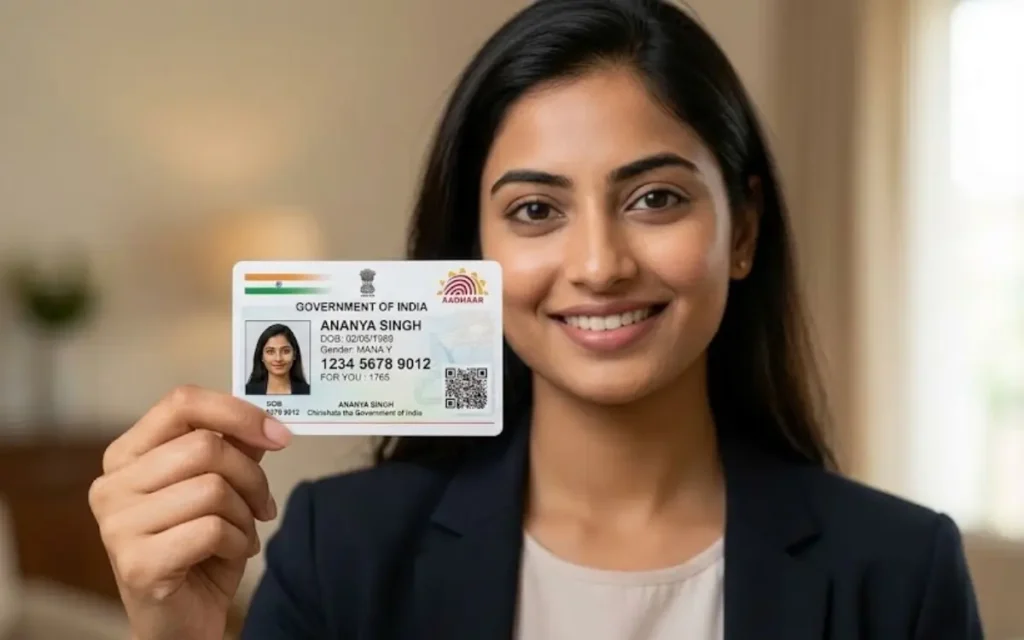
Aadhar Card Download: Complete Guide for Easy Online Access
The Aadhar card has become one of the most important identity documents for residents in India. It is used for government services, banking verification, SIM card registration, income tax filing, and many other official purposes. Because of its importance, many people frequently search for ways to perform an Aadhar Download Using Virtual ID.
The good news is that downloading your Aadhar card is now quick and convenient. You do not always need to carry a physical card because the e-Aadhar version is legally valid and accepted everywhere.
In this detailed guide from E Connect Service, you will learn everything about Aadhar, including how to download Aadhar online, check Aadhar card status, update Aadhar card details, and open the Aadhar PDF securely.
What is Aadhar Card
The Aadhar card is a unique identification document issued by the Unique Identification Authority of India to residents of India.
Every Aadhar number consists of 12 digits and serves as a unique identifier associated with a person’s biometric and demographic data.
Key Features of Aadhar Card
- 12-digit unique identification number
- Issued to every resident of India
- Associated with biometric information like fingerprints and iris scans
- Used for identity verification across services
- Accepted for banking, telecom, government schemes, and taxation
Why Aadhar Card is Important
The Aadhar card is widely used for:
- Identity verification
- Opening bank accounts
- PAN linking and tax filing
- Government subsidies and schemes
- Mobile SIM verification
- Address and age proof
Because Aadhar is connected with many essential services, the ability to perform Aadhar card download online is extremely useful.
What is e-Aadhar
An e-Aadhar is the digital version of the Aadhar card that can be downloaded from the official UIDAI website.
It is a password-protected PDF document that contains the same details as the physical Aadhar card.
Important Facts About e-Aadhar
- Digitally signed by UIDAI
- Legally valid like the physical Aadhar card
- Contains Aadhar number, name, address, and photo
- Can be downloaded anytime online
- Can be printed and used as identity proof
Many people prefer Aadhar card download online because it is faster and avoids waiting for the physical card to arrive.
How to download Aadhar card online?
- Visit UIDAI website
- Click Download Aadhaar
- Enter Aadhaar number
- Verify OTP
- Download e-Aadhaar PDF
Before you proceed with the download, please ensure that your mobile number is connected to your Aadhar, as you will need to receive an OTP for verification.
Download Using Aadhar Number
This is the most common way to complete Aadhar card download.
Step-by-Step Process
- Visit the official UIDAI website
- Navigate to the Download Aadhar section
- Enter your 12-digit Aadhar number
- Fill the captcha verification code
- Click on Send OTP
- Enter the OTP received on your registered mobile number
- Verify the details and click Download Aadhar
After completing these steps, your e-Aadhar PDF file will be downloaded to your device.
This method is commonly used by people who already have their Aadhar number and simply need a digital copy.
Download Using Enrolment ID
If you do not have your Aadhar number yet, you can still complete Aadhar card download using your Enrolment ID (EID).
The Enrolment ID is provided when you first apply for Aadhar.
Steps to Download Aadhar Using EID
- Go to the UIDAI website
- Select the Download Aadhar option
- Choose Enrolment ID instead of Aadhar number
- Enter your 14-digit enrolment number and date/time
- Enter the captcha code
- Click Send OTP
- Please input the OTP that has been sent to your registered mobile number.
- Download your e-Aadhar
This option is helpful when you are waiting for your Aadhar card but need the digital version urgently.
Download Without Mobile Number
Many people wonder whether Aadhar card download without mobile number is possible.
Normally, downloading Aadhar requires an OTP sent to the registered mobile number. However, if your mobile number is not linked, you can still get your Aadhar through other methods.
Alternative Methods
- Visit the nearest Aadhar service center
- Request a printed Aadhar copy
- Update your mobile number in Aadhar first
Once your mobile number is updated, you will be able to download Aadhar easily online.
Service centers like E Connect Service assist people with Aadhar card update, Aadhar card download, and Aadhar card status checking.
Password to Open Aadhar PDF
After completing the Aadhar card download, the file will be saved as a password-protected PDF.
This security feature ensures that your personal information remains protected.
Aadhar PDF Password Format
The password is a combination of:
- The initial four characters of your name (in UPPERCASE)
- Year of birth (YYYY format)
Example
Name: Ramesh Kumar
Year of Birth: 1990
Password: RAME1990
Once you enter the password correctly, your e-Aadhar PDF will open and you can view or print the document.
How to Check Aadhar Card Status
Sometimes people apply for Aadhar or update their Aadhar details and want to check the Aadhar card status.
Checking the status helps you know whether your Aadhar has been generated or updated.
Steps to Check Aadhar Status
- Visit the UIDAI website
- Click on Check Aadhar Status
- Enter your Enrolment ID (EID)
- Enter the captcha code
- Click on Check Status
The system will display whether your Aadhar is:
- Generated
- Under processing
- Successfully updated
Once the Aadhar is generated, you can proceed with Aadhar card download instantly.
How to Update Aadhar Card Details
Over time, you may need an Aadhar card update for various reasons.
Common Aadhar updates include:
- Address change
- Mobile number update
- Name correction
- Date of birth update
- Email ID update
Ways to Update Aadhar Card
There are two primary methods for Aadhar card update.
1. Online Update
You can update some details online through the UIDAI portal if your mobile number is linked.
2. Aadhar Service Center
For biometric updates or major changes, you must visit an authorized Aadhar service center.
Centers like E Connect Service help people complete Aadhar card update, Aadhar card download, and Aadhar card status verification smoothly.
Benefits of Aadhar Card Download
Performing Aadhar card download online offers several advantages.
Quick Access
You can download Aadhar anytime without waiting for a physical card.
Accepted Everywhere
The e-Aadhar version is valid for all official purposes.
Secure Document
The Aadhar PDF is password protected and digitally signed.
Easy Reprint
You can print your Aadhar whenever required.
Common Issues During Aadhar Card Download
Sometimes users face problems while downloading Aadhar.
Common Problems
- Mobile number not linked
- Incorrect OTP
- Server errors
- Wrong Aadhar number
Solution
Ensure that:
- Your mobile number is registered with Aadhar
- OTP is entered correctly
- Details match UIDAI records
If problems continue, service providers like E Connect Service can assist with Aadhar services.
Why Choose E Connect Service for Aadhar Assistance
Handling Aadhar services can sometimes be confusing, especially for first-time users.
E Connect Service provides professional assistance for:
- Aadhar card download
- Aadhar card update
- Aadhar card status checking
- Aadhar enrollment support
- Aadhar corrections and printing
Their goal is to make Aadhar services simple, fast, and reliable for everyone.
Frequently Asked Questions (FAQs)
How can I download Aadhar card online?
You can perform Aadhar card download by visiting the UIDAI website and entering your Aadhar number, Enrolment ID, or Virtual ID. After OTP verification, you can download the e-Aadhar PDF.
Is e-Aadhar valid like the original Aadhar card?
Yes. The e-Aadhar downloaded from the UIDAI website is legally valid and accepted everywhere as identity proof.
Can I download Aadhar card without a registered mobile number?
No. Normally an OTP verification is required. If your mobile number is not linked, you must update your mobile number first at an Aadhar service center.
What is the password for Aadhar PDF?
The password for the Aadhar PDF consists of the first four letters of your name, written in uppercase, followed by your year of birth.
How can I check my Aadhar card status?
You can check your Aadhar card status on the UIDAI website using your Enrolment ID.
How long does Aadhar update take?
Most Aadhar card update requests take 5 to 10 days, although some updates may take slightly longer depending on verification.
Final Thoughts
The Aadhar card download process has made identity access easier and faster for millions of people in India. With the availability of e-Aadhar, you no longer need to depend on a physical card.
By understanding how to download Aadhar using Aadhar number or Enrolment ID, checking Aadhar card status, and updating Aadhar details, you can manage your identity records efficiently.
If you need help with Aadhar services such as Aadhar card download, Aadhar card update, or Aadhar card status verification, E Connect Service is here to assist you with a smooth and reliable process.